Are Password Managers Safe in 2026? What to Know Before You Trust One
Are password managers safe? Learn how password vaults work, what can go wrong, and how to choose a safer password manager in 2026.
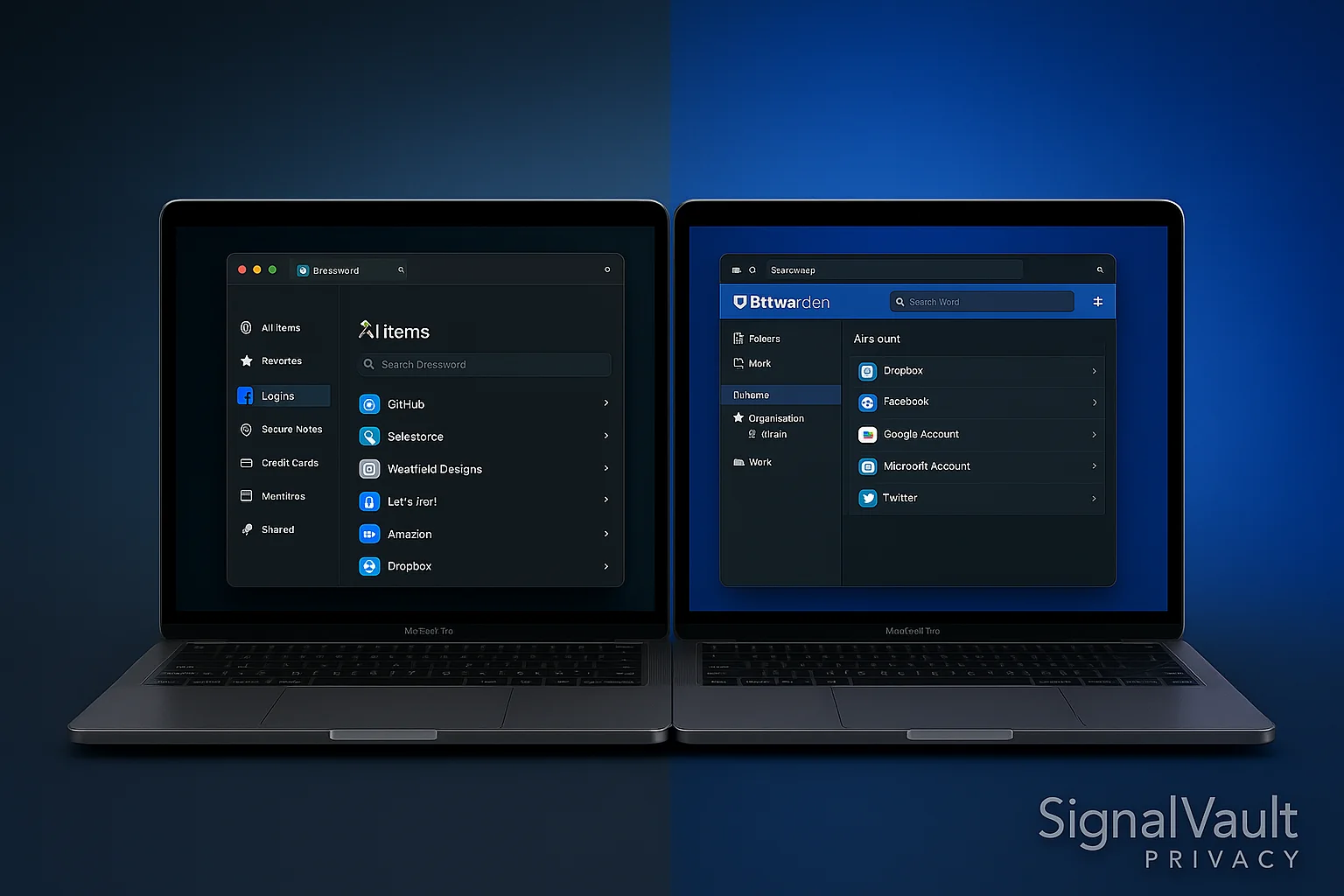
Yes, reputable password managers are safe for most people, and they are usually much safer than the alternative: weak passwords, reused passwords, browser-only storage, or password notes saved in a document.
The real question is not whether a password manager is magically risk-free. It is whether a good encrypted vault lowers your overall risk. For most people, the answer is yes.
Why Password Managers Are Safer Than Reused Passwords
Most account takeovers happen because a password from one breach gets reused somewhere else. A password manager breaks that chain by creating a different strong password for every account.
That gives you three practical advantages:
- One breached website does not expose every other account.
- You can use long random passwords you would never memorize.
- Autofill can reduce phishing risk because it only fills on matching domains.
How Password Managers Protect Your Vault
Good password managers use encryption before your vault leaves your device. In a zero-knowledge model, the provider should not be able to read your stored passwords.
Look for:
- Strong encryption.
- A master password only you know.
- Two-factor authentication.
- Independent security audits.
- Breach monitoring.
- Transparent security documentation.
Can Password Managers Be Hacked?
Any online service can be attacked. The safer question is what an attacker gets if something goes wrong.
With a reputable password manager, vault data should be encrypted. That means attackers should not be able to read the vault without your master password and any additional protection. But weak master passwords, phishing, malware, and reused two-factor recovery methods can still put you at risk.
The Main Password Manager Risks
Weak master password
Your master password protects the vault. Use a long passphrase, not a short clever password.
No two-factor authentication
Turn on two-factor authentication for the password manager itself. Hardware keys are best, but authenticator apps are still a major improvement.
Malware on your device
A password manager cannot fully protect a compromised computer. Keep devices updated and avoid installing sketchy browser extensions.
Bad recovery setup
If account recovery is too easy, it can become a weak point. If it is impossible, you can lock yourself out. Choose a manager with a recovery model you understand.
Safer Password Manager Setup
- Pick a reputable tool like 1Password, Bitwarden, Proton Pass, or NordPass.
- Create a long passphrase for your master password.
- Turn on two-factor authentication.
- Move your email, banking, cloud storage, and social passwords first.
- Replace reused passwords over time.
- Review password-health reports monthly.
- Keep a secure emergency plan for trusted family or business continuity.
Who Should Use a Password Manager?
Almost everyone should use one. Password managers are especially important if you have:
- Online banking or investment accounts.
- Work accounts or client portals.
- Many shopping accounts.
- Shared family subscriptions.
- Business social media logins.
- Secure email, VPN, or privacy-tool accounts.
Which Password Manager Should You Trust?
Start with the main best password managers guide if you want a ranked comparison.
For most readers:
- Choose 1Password for the smoothest everyday experience.
- Choose Bitwarden if you want the strongest free starting point.
- Choose NordPass if you want a business/team password manager in a broader security stack.
- Choose Proton Pass if you already use Proton Mail or Proton VPN.
If your question is more specific, use the family password manager guide for shared household vaults or the Android password manager guide for mobile autofill and biometric-unlock setup.
FAQ
Are password managers safer than writing passwords down?
Usually yes, especially if you reuse passwords or store them in a note app. A written emergency backup can be useful, but daily password storage belongs in an encrypted vault.
What happens if I forget my master password?
That depends on the provider. Some offer recovery options; others cannot recover your vault. Read the recovery rules before moving everything.
Should I store my email password in a password manager?
Yes, but protect both the email account and password manager with strong two-factor authentication. Your email account is often the key to resetting other accounts.
Is a browser password manager enough?
It is better than reusing passwords, but a dedicated password manager is usually stronger for sharing, security reports, cross-browser use, and business or family workflows.