Best Password Managers for Android 2026: Apps, Autofill & Security
Compare password managers for Android in 2026, including 1Password, Bitwarden, NordPass, and Proton Pass, with setup tips for autofill and mobile security.
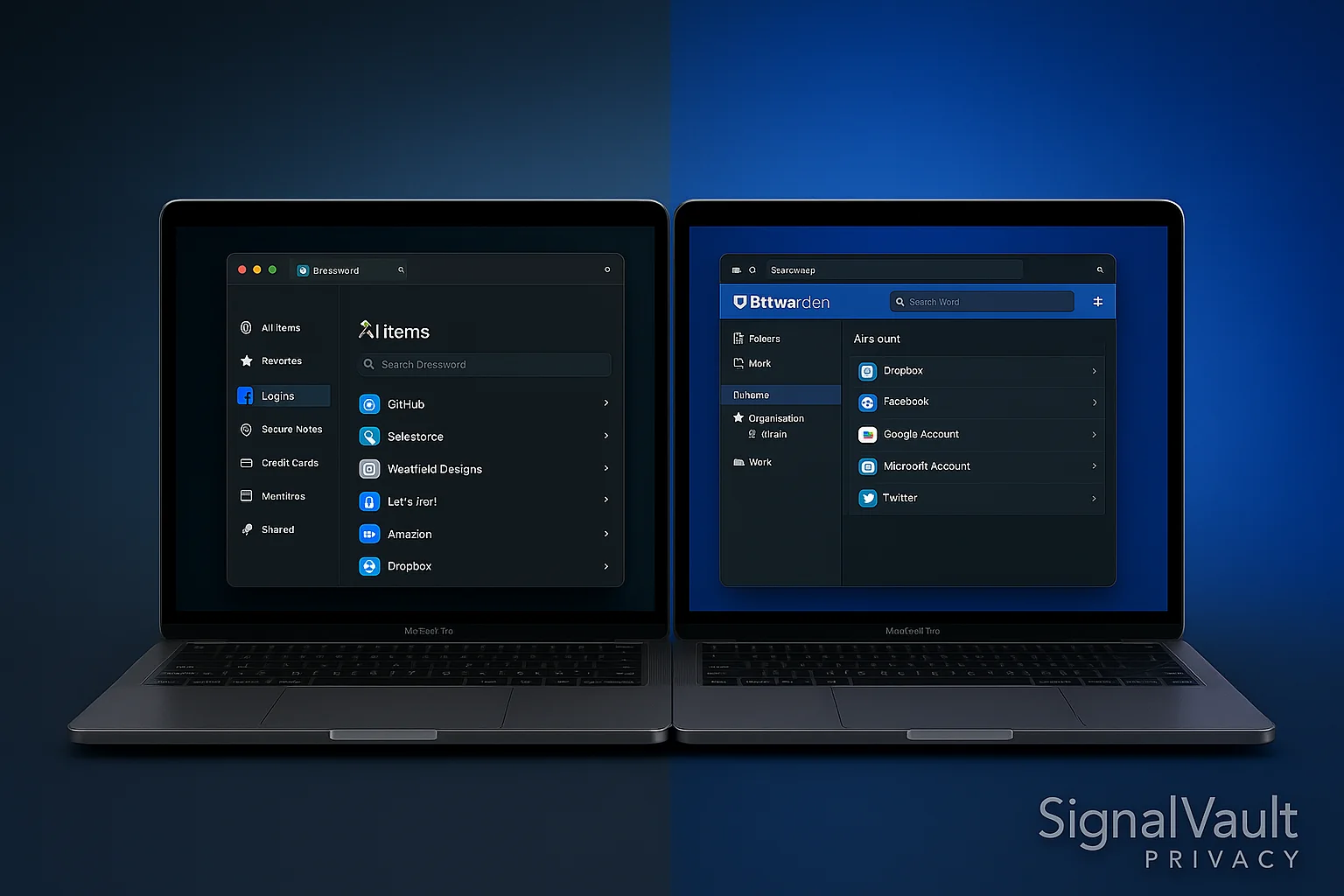
The best password manager for Android should do three things well: autofill reliably, unlock quickly with biometrics, and sync cleanly with the computer you use the rest of the day.
For most Android users, start with 1Password if you want the smoothest daily experience. Choose Bitwarden if free or low-cost matters most. Compare NordPass if you are building a VPN-plus-password stack, and Proton Pass if you already use Proton Mail or Proton VPN.
Android Password Manager Quick Picks
| Android need | Best fit | Why |
|---|---|---|
| Smoothest daily use | 1Password | Strong Android app, polished autofill, good family and desktop fit |
| Best free starting point | Bitwarden | Open-source, generous free tier, Android app plus browser extensions |
| Security-stack buyer | NordPass | Good fit beside NordVPN and broader account-security habits |
| Proton privacy stack | Proton Pass | Pairs with Proton Mail, aliases, and Proton VPN |
What Matters on Android
Android password managers live or die by everyday friction. A technically strong vault is not enough if autofill breaks constantly or the app is annoying to unlock.
Prioritize:
- Android Autofill support.
- Biometric unlock with a strong master password behind it.
- Browser extension support for your desktop browser.
- Secure password generation inside apps and mobile websites.
- Easy sync across phone, laptop, and tablet.
- Two-factor authentication support.
- A clear export option if you switch later.
Best Overall Android Password Manager: 1Password
1Password is the safest default if Android is one device in a larger household or work setup. It is easier to use than most alternatives, and that matters when you are saving logins from apps, browsers, and shared accounts.
Best Free Android Password Manager: Bitwarden
Bitwarden is the best free Android option for most people. The app is not as polished as 1Password, but it covers the important basics: strong vault security, unlimited passwords, cross-device sync, and browser extensions.
Best Android Fit for a VPN Stack: NordPass
NordPass is worth comparing if you are already looking at NordVPN for public Wi-Fi, travel, or phone privacy. The buying logic is simple: VPN for network privacy, password manager for account security.
Best Android Fit for Proton Users: Proton Pass
Proton Pass works best when your Android security setup also includes Proton Mail or Proton VPN. It is especially useful if aliases are part of how you protect logins and reduce spam.
Android Setup Checklist
After installing a password manager:
- Set a strong master password.
- Enable biometric unlock.
- Turn on Android Autofill for the password manager.
- Install the desktop browser extension too.
- Save your email, banking, cloud, and shopping accounts first.
- Replace reused passwords in batches.
- Turn on two-factor authentication for your most important accounts.
FAQ
What is the best password manager for Android?
1Password is the best overall Android password manager for most people, while Bitwarden is the best free starting point.
Is Google Password Manager enough on Android?
Google Password Manager is better than reusing passwords, but a dedicated password manager is stronger if you use multiple browsers, share passwords with family or teams, or want easier migration away from one ecosystem.
Should I use biometric unlock?
Yes, but biometric unlock should sit on top of a strong master password. Do not use weak device security just because the vault itself is encrypted.
What should I secure first on Android?
Start with email, banking, cloud storage, shopping accounts with saved cards, and social accounts that can be used for password resets.